
The photo booth that runs on your TV, tablet or laptop
No booth to haul in, no software to install. Open a web page on almost any smart device, plug in a USB webcam, and your guests are taking photos. Every picture is online instantly in your own private album.
- Works on smart TVs, tablets, laptops and Chromebooks
- Guests scan a QR code to save or share their photo
- Many booths at once: a guest scans a code and their phone is a booth too
- A real person helps you set it up
New accounts start free: 10 photos and 5 custom borders on us. See how it works
Questions? Send us a message: Hansen answers personally.
- 24 hours from your first photo
- Unlimited photos
- As many booths as you want, all in one album
- Private online album for 90 days
- Effects, backgrounds and borders
- Setup help from a real person
Pay online with
We supply the screen and camera. On-site booth pricing depends on your event: fill out the contact form and we will call or message you with a quote.
Ask about renting a boothA real photo booth, without the rental truck
Traditional photo booth rentals cost hundreds of dollars and need someone to deliver, set up and babysit a big box. Ours runs on the screen you already own.
Runs on what you have
A smart TV, tablet, laptop or Chromebook with a web browser. Plug in any USB webcam and you have a photo booth.
Nothing to install
Open a web page and the booth starts. No app store, no software, no account for your guests.
Photos online instantly
Every photo lands in your private online album the moment it is taken. Download them all after the party.
Guests scan to share
After each photo a QR code appears. Guests scan it to save their photo or post it to Instagram, Facebook or Snapchat.
Private albums
Only you can see the full album. Guests only get the photos they take.
A real person helps
Hansen walks you through setup by text, phone or video call, and can fix settings remotely. On-site setup is available too.
60+ looks, or make your own on the spot
Every booth comes loaded, and guests can have a border drawn for them in seconds, just by typing what they want.
"LSU tiger holding a beer, says Happy 30th Mike." Names, teams, colors, a theme: whatever they want.
Cartoon, elegant or painted. It's ready in about 20 seconds, names spelled right every time.
It's on every shot, the prints and the album. Change it, or make another.
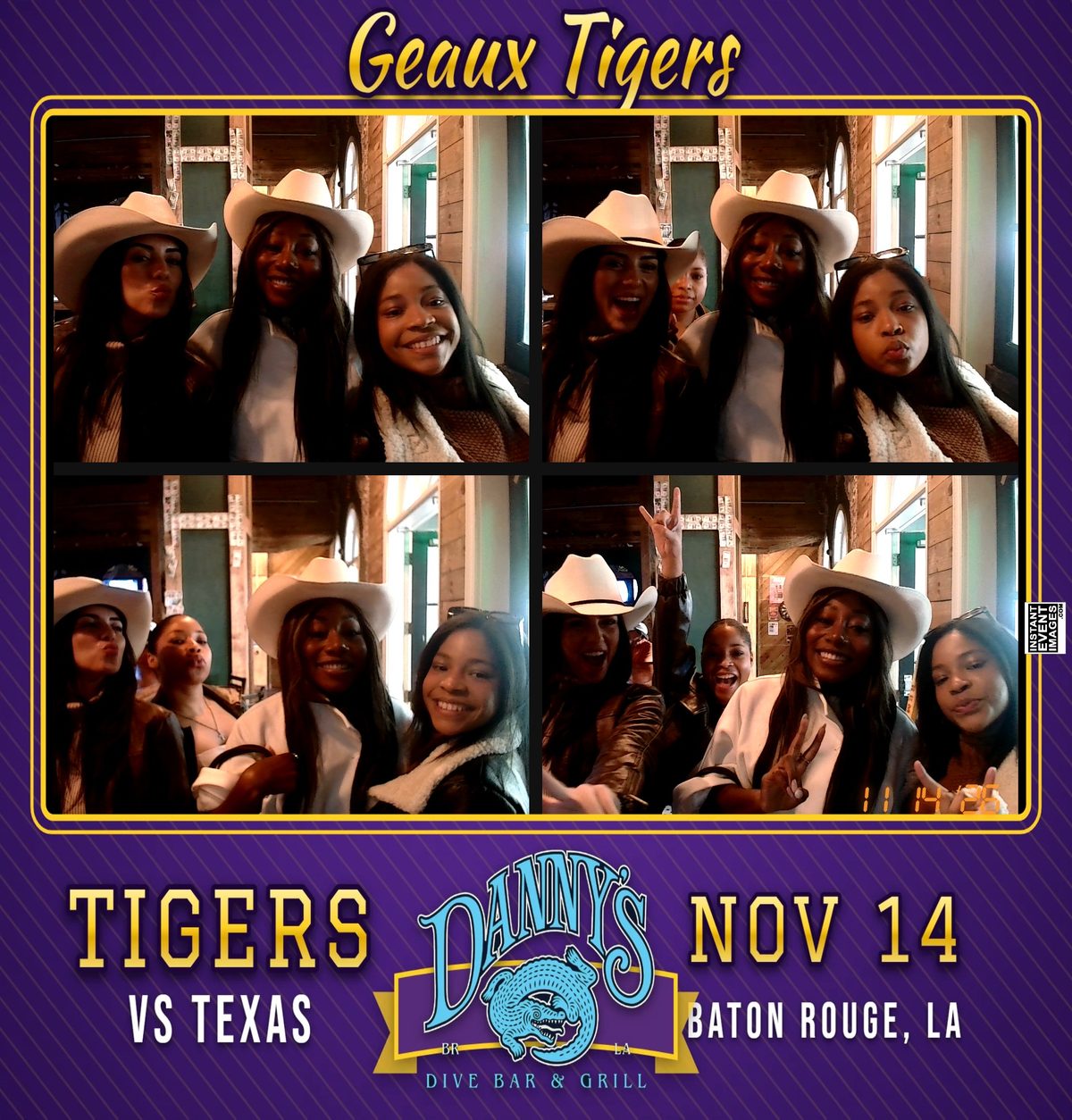
Venues get their own branded borders too: Danny's Dive Bar has more than 80, from game day to Christmas.
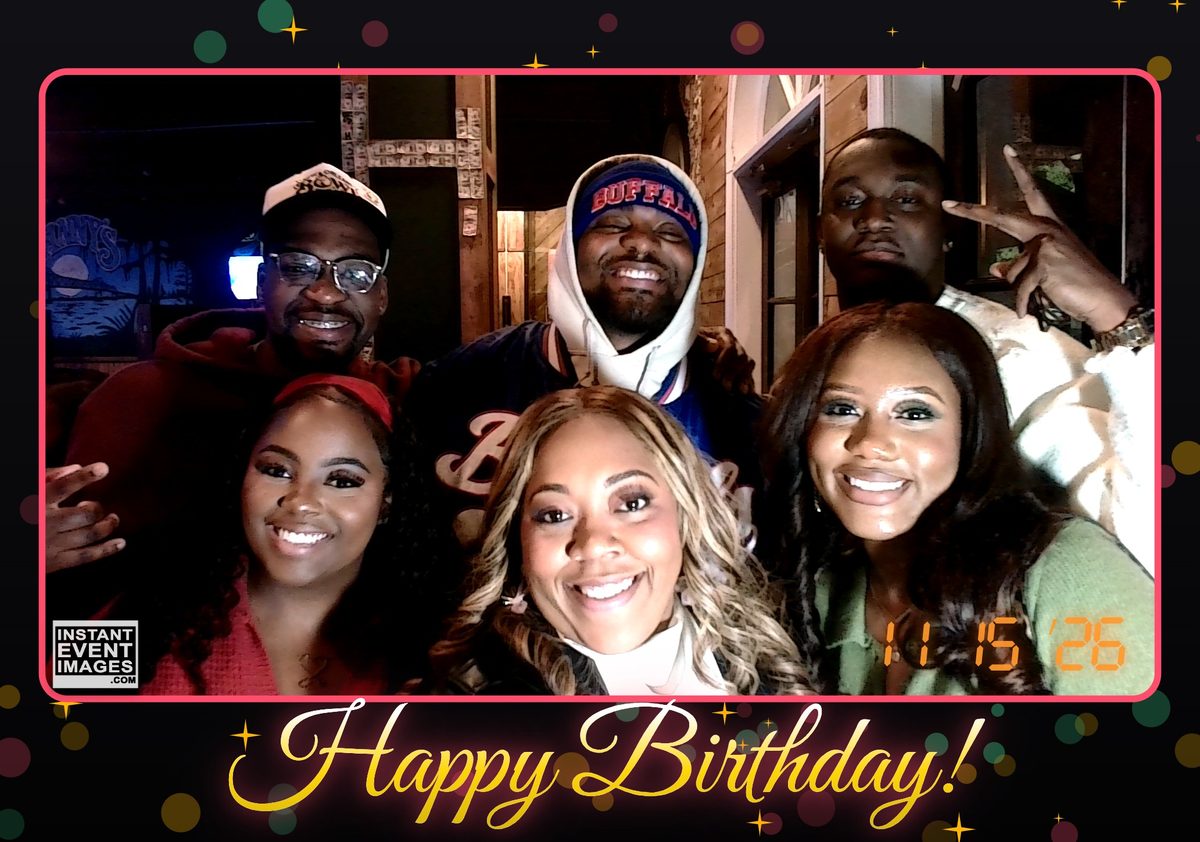
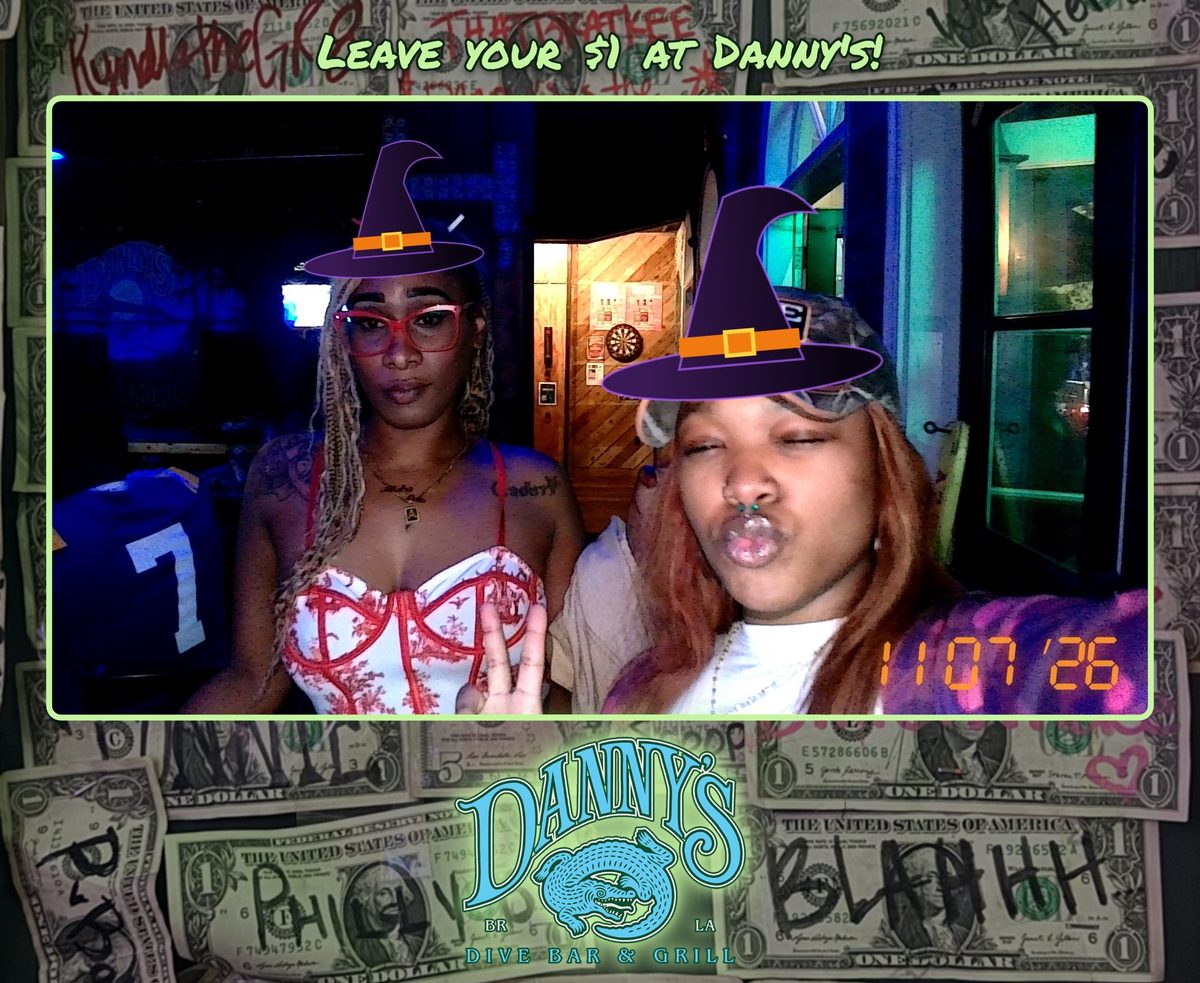
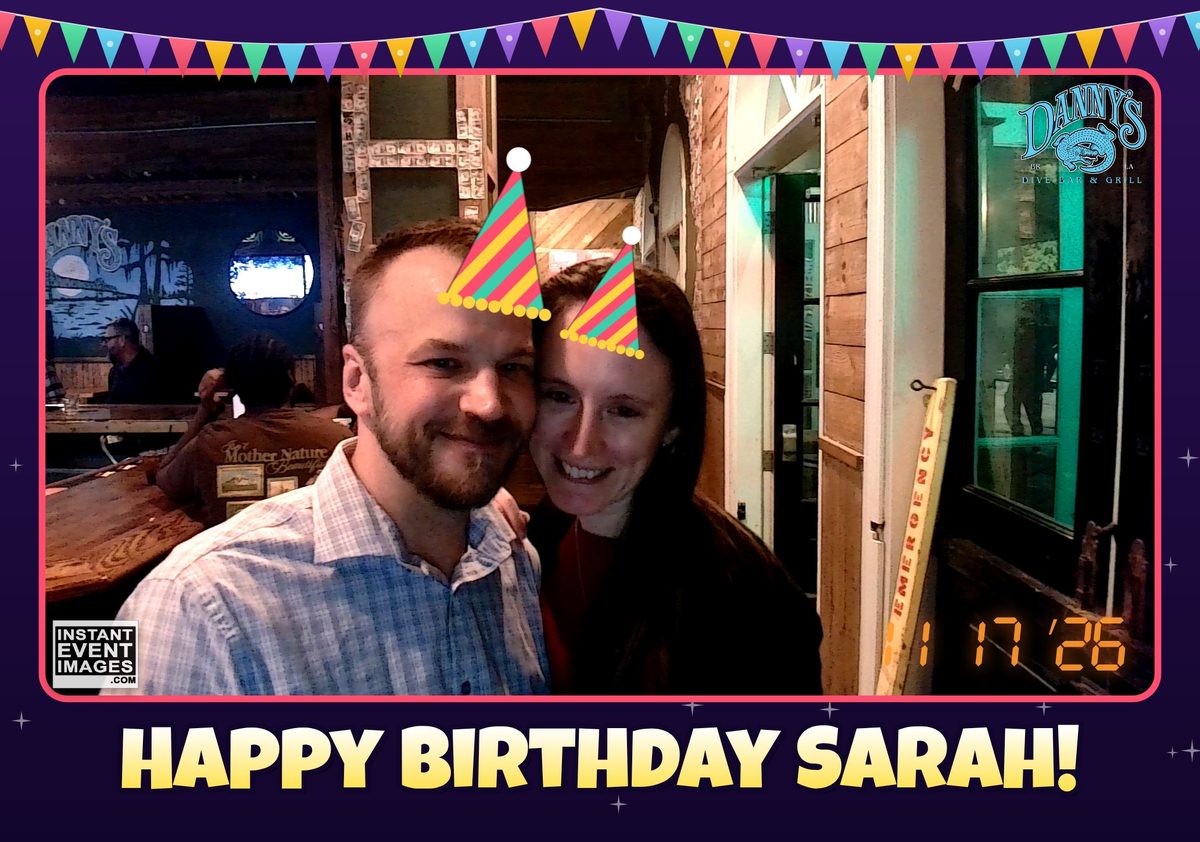
Real photos from a real bar
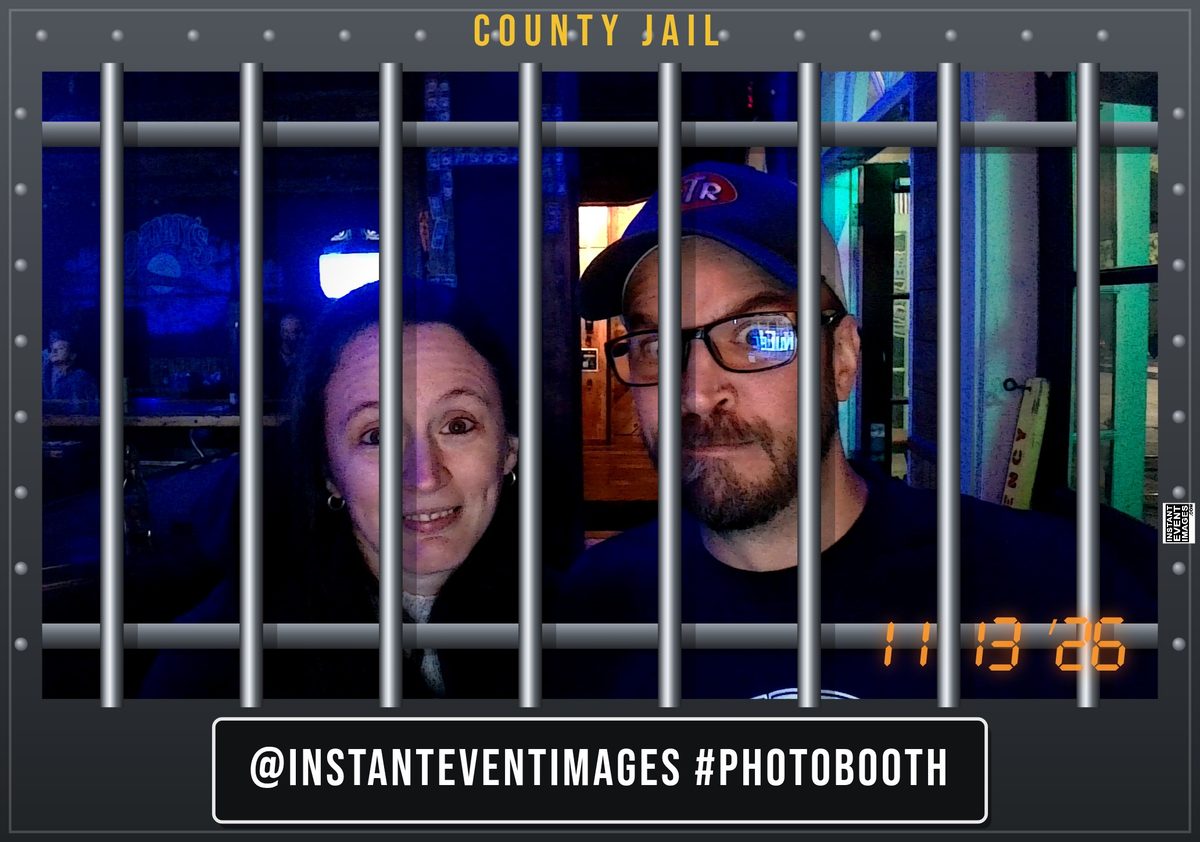
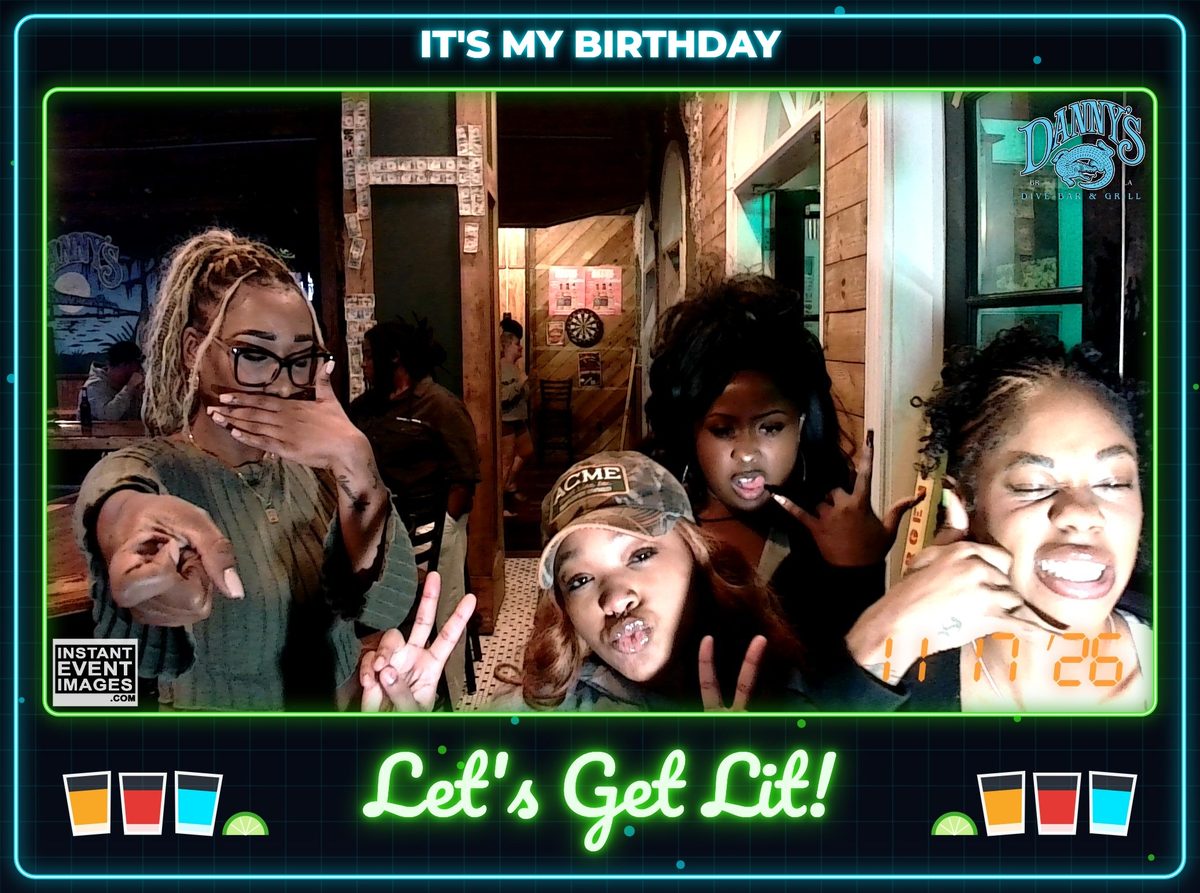
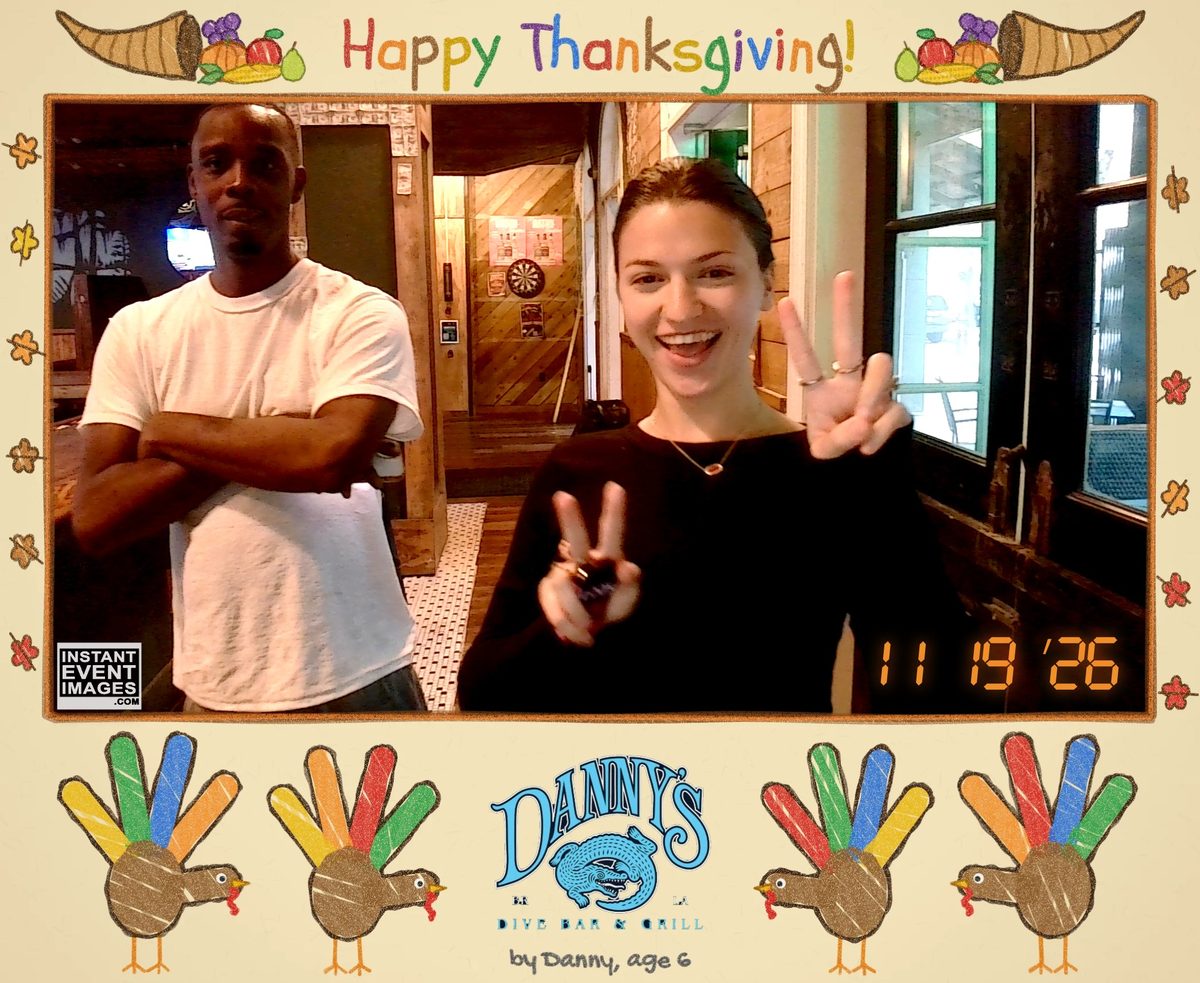
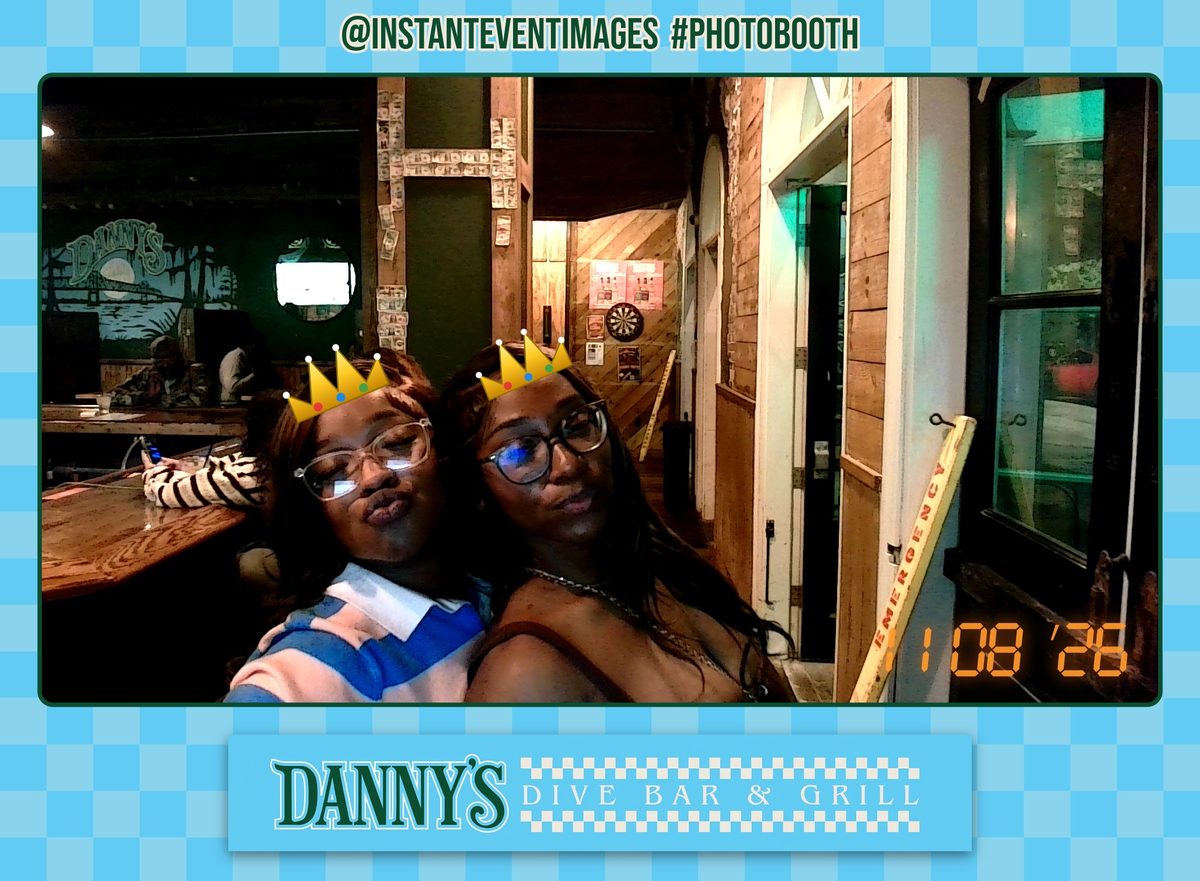
Straight off our booth at Danny's Dive Bar & Grill in Baton Rouge: birthdays, game day, Thanksgiving and every Saturday night.
How it works
Four steps from signing up to a full album of party photos. You run it yourself: nothing to book, no waiting.
Sign up and start
Make your account and pay $19.99. There's nothing to book and no waiting: PayPal switches your booth on instantly (Venmo, Cash App and Zelle as soon as we see it), and your booth link and setup steps are right there.
Open your booth
On the day, open your booth link in the web browser on a smart TV, tablet or laptop. Plug in a USB webcam if the device has no camera.
Guests take photos
Guests tap the screen (or press a remote) to take photos. Each one shows a QR code to grab it or share it right away.
Keep every photo
All photos are in your private online album, ready to download or share for 90 days.
Smart TV + USB webcam = photo booth
The easiest setup is the TV that's already on the wall. Plug a USB webcam into the TV, open your booth link in its web browser, and the whole room can see themselves on the big screen. So far we have not found a USB webcam that doesn't work.
No smart TV? A tablet on a stand or a laptop works just as well, and guests' phones can join in as extra booths, all feeding the same album.
What you needWorks with
- Smart TVs with a web browser (Android TV / Google TV, and more)
- iPads and Android tablets
- Windows and Mac laptops
- Chromebooks
- Phones, as extra guest cameras
- Any USB webcam we have tried
All the fun of a full-size booth
The features people expect from a photo booth rental, built in.
Face effects
Party hats, sunglasses, crowns, googly eyes and more, live on screen.
Background swap
Replace the real background with a scene: no green screen needed.
Borders with your event name
Wedding, birthday, holiday and custom borders, with your name and date printed on every photo.
Strips and grids
Single photos, classic 3-photo strips or 4-photo grids.
Many booths at once
Run as many booths as you like. Guests scan a code, type their name, and their phone becomes another booth. Every photo from every booth lands in one album, and you can see which booth took which picture.
Karaoke mode
Optional karaoke with words on screen that snaps candid photos while people sing.
Simple pricing
Go digital only on your own screen, or rent a booth from us.
Single event
- Unlimited photos
- Use your own TV, tablet or laptop
- Many booths at once: guests' phones join in
- Private online album (90 days)
- QR codes to save and share
- Effects, backgrounds and borders
- Real human setup help
3-event pack
- Everything in Single event
- Use them for any three events
- Great for planners and families who host often
- Need more? Message us for a bigger pack
Venue plan
- Booth on every day
- Unlimited photos and events
- Custom border with your logo
- Share-to-social QR codes: free advertising
- Priority help
Rent a booth from us
- Screen and camera ready to go
- Local pickup or drop-off
- Delivery or shipping available
- Priced for your event: we call or message you back
Digital only: pay online with PayPal, Venmo, Cash App or Zelle. Booth rental: fill out the contact form and we will call or message you with a price. Full pricing and add-ons →
Prefer a photographer?
We started out as on-site event photographers printing real instant film, and we still do it. Book a photographer who captures your event and hands out instant prints on the spot.
Event photographer & instant prints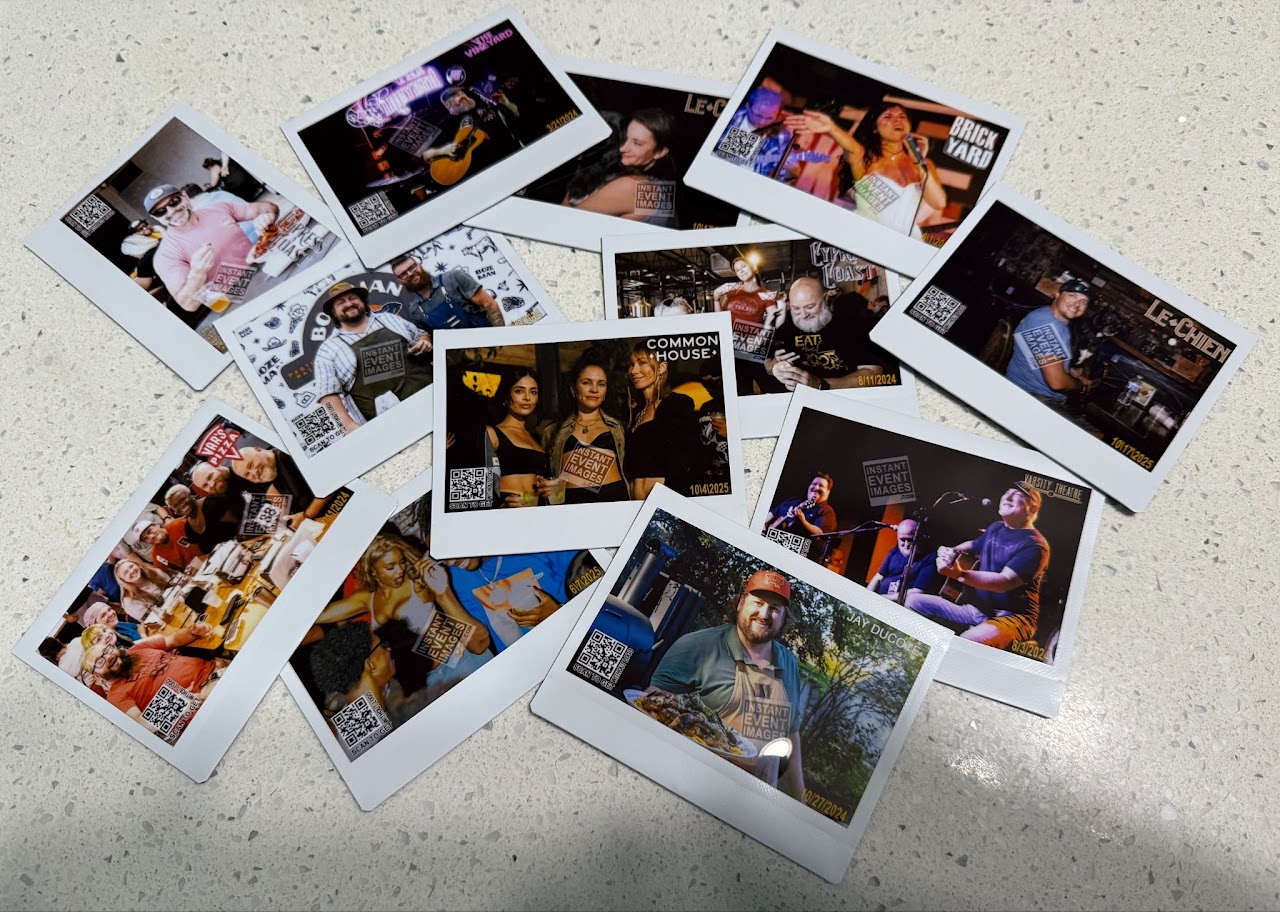
Questions people ask
How much does it cost to rent a photo booth?
A self-serve booth for one event is $19.99. It runs for 24 hours from your first photo, with unlimited photos. A 3-event pack is $49.99, venues can keep a booth on all the time for $99 a month, and if you would rather rent a booth from us, send us a message for a quote.
What equipment do I need?
Any device with a modern web browser and a camera: a laptop, tablet, Chromebook or smart TV. Smart TVs work great with a USB webcam plugged into them, and so far we have not found a USB webcam that does not work. A Wi-Fi or phone hotspot connection lets photos upload to your album.
Do I need to download an app?
No. The booth runs in the web browser. Open your booth link and it starts. (Android and Google TVs can also use our free TV app if their browser is limited.)
How long does the booth work?
24 hours, starting with the first photo you take, so you can set up and test ahead of time without using up your event. Need more time? Add another 24 hours for $19.99.
Who can see the photos?
Your album is private: only you can see every photo when you log in. Each guest gets the photo they took through its QR code, plus the last few hours of photos on the booth screen, so nobody else can browse your event online.
How do guests get their photos?
After every photo the booth shows a QR code. Guests scan it with their phone camera to download the photo or share it straight to Instagram, Facebook, Snapchat and other apps.